You found it
How this site was built.
I built this portfolio with AI tools and directed every step. It took about 23 hours of my own hands-on time, on top of decades of archiving and saving my work so there was something real to build from.
The effort behind it
Not whipped up in a couple of hours.
The first version went live in about two and a half days, and I kept refining it for about two weeks after that. I was particular about how every page looks and works on phones and desktops.
hours of my own hands-on time
days to the first live version
rounds of direction and feedback
pages, each checked on phone, tablet and desktop sizes
It all ran within my regular Claude paid plan, with no extra usage fees. The experience is in the hours and the judgment, not in burning through tools. Hands-on time counts only stretches where my messages came less than 20 minutes apart, counted from the conversations themselves.
What it really cost
paid to freelancers over the years to build the old sites and keep them current
About $400 a year on average, just to evolve the site and stay relevant. Builds, copy, logo, illustration and constant fixes.
Now: $0 in developer fees and $0 to host.
Freelancer total from my payment history, refunds netted out. I still pay about $20 a year for the domain name.
What I paid freelancers, by year of the site
Year 5 had no payments. Even in the last two years I was still paying by the hour to fix WordPress updating problems. That is the bill AI removed.
How the site evolved
I started with a very different site. Each version made it better, and each one, until this one, also cost more to build and keep up.
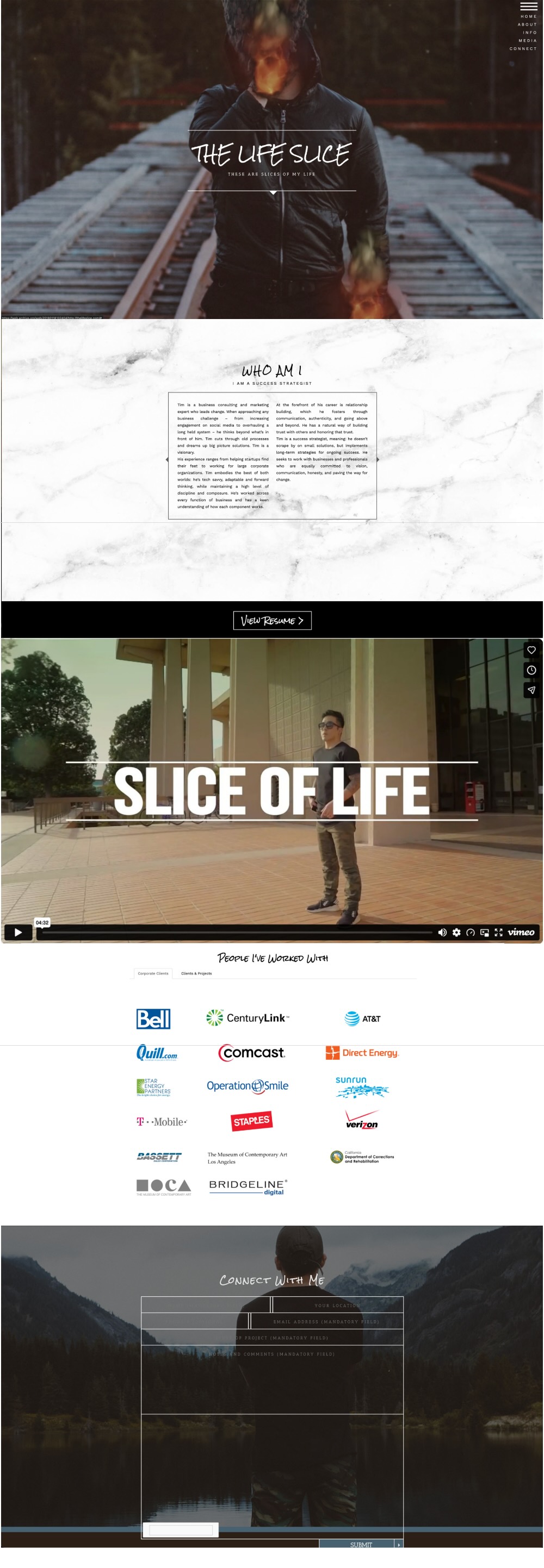
Step 1
The first site
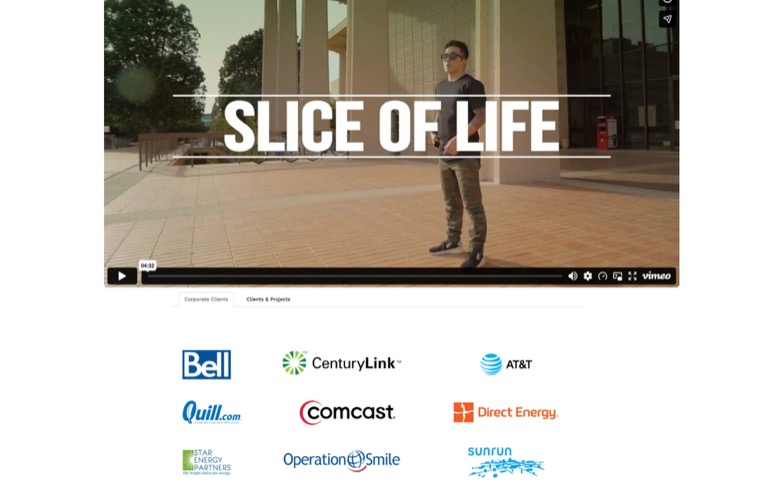
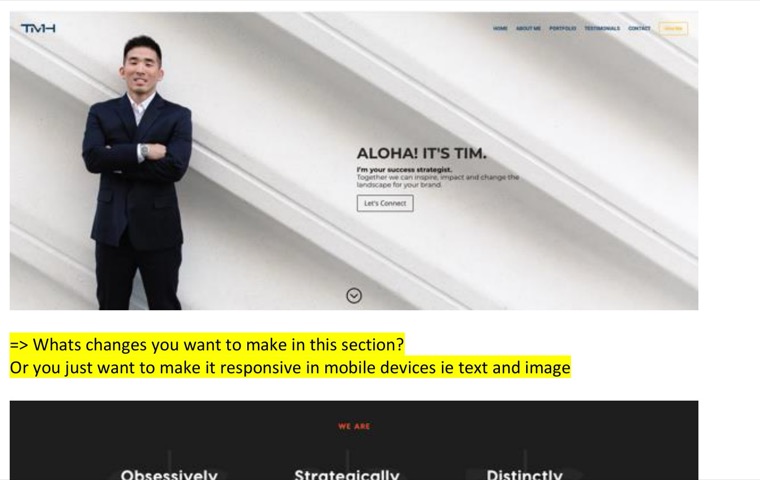
My first live site: full-screen photography, a bio, my highlight video, a wall of client logos and a contact form. Every piece was a paid build item.
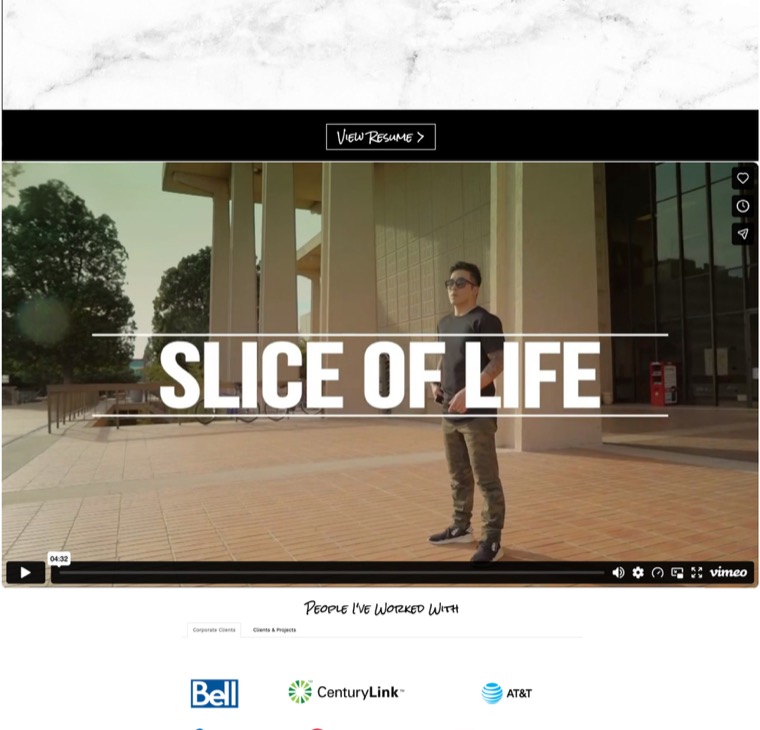
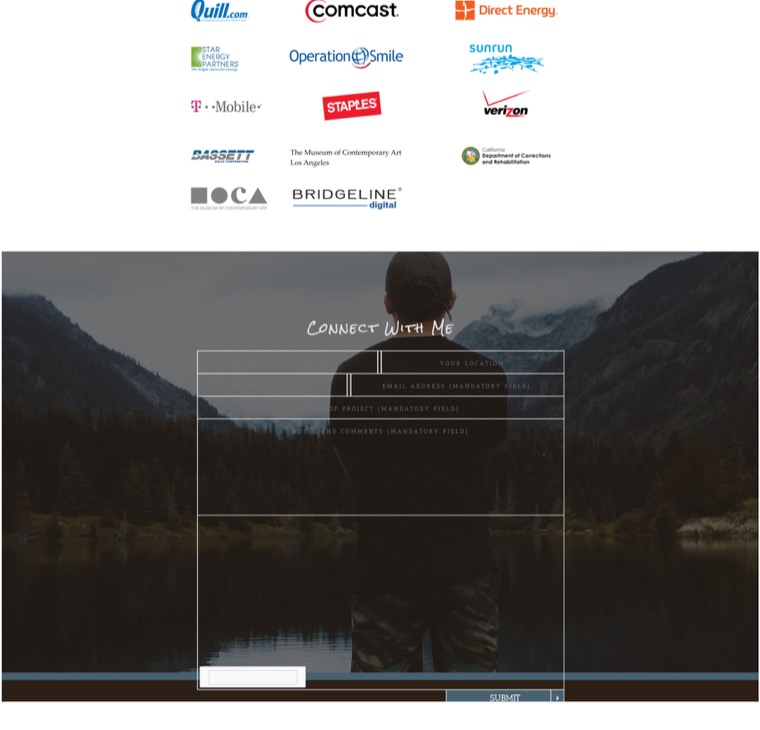
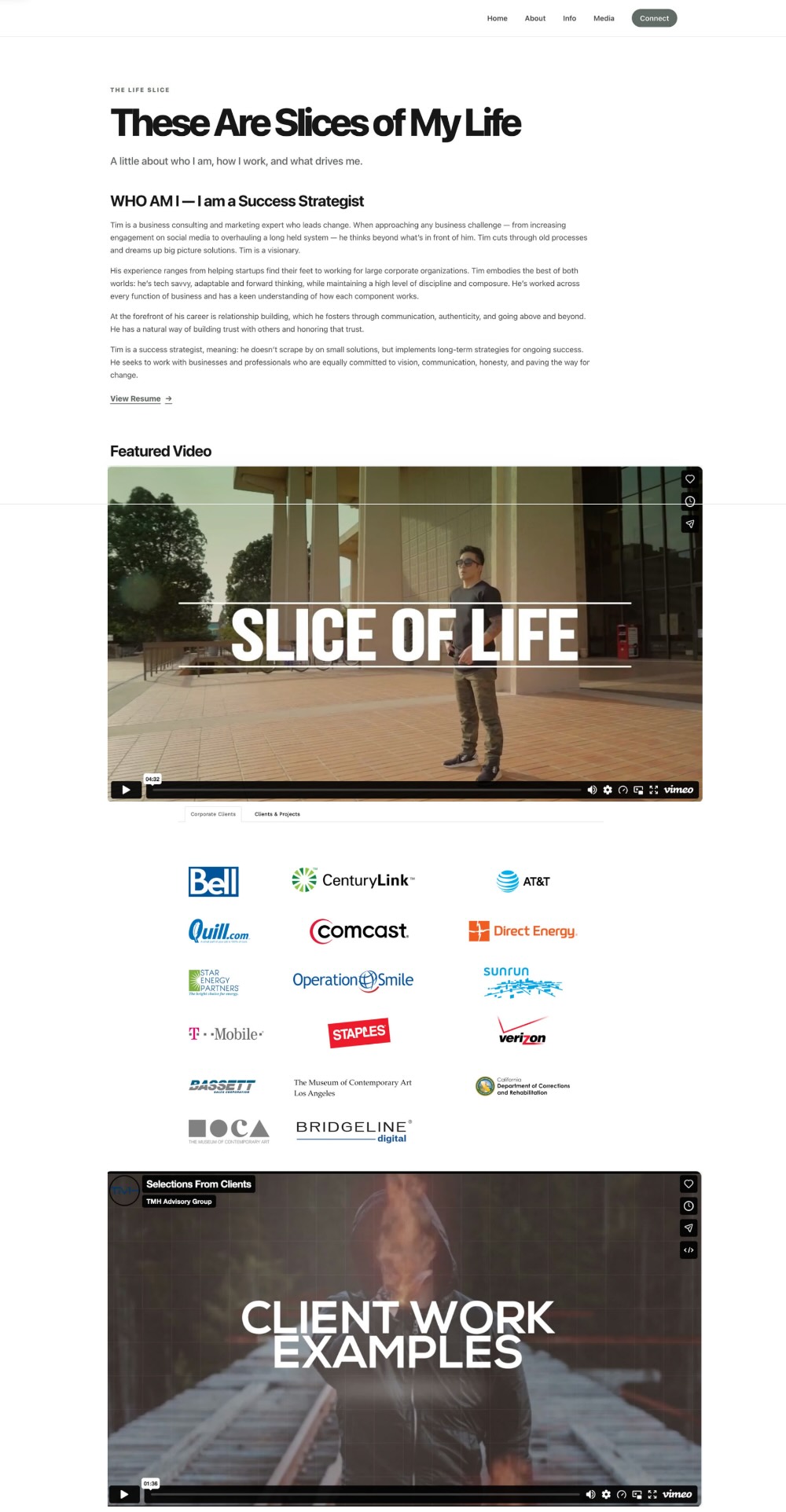
Step 2
Simpler, but still custom
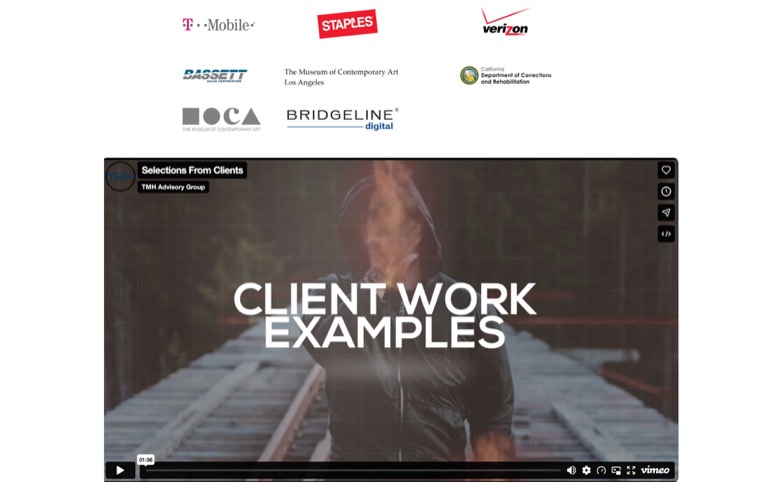
A cleaner layout: headline, bio, featured video, the same client logos and a client-work reel. Custom WordPress work again.
Step 3
The custom WordPress revamp
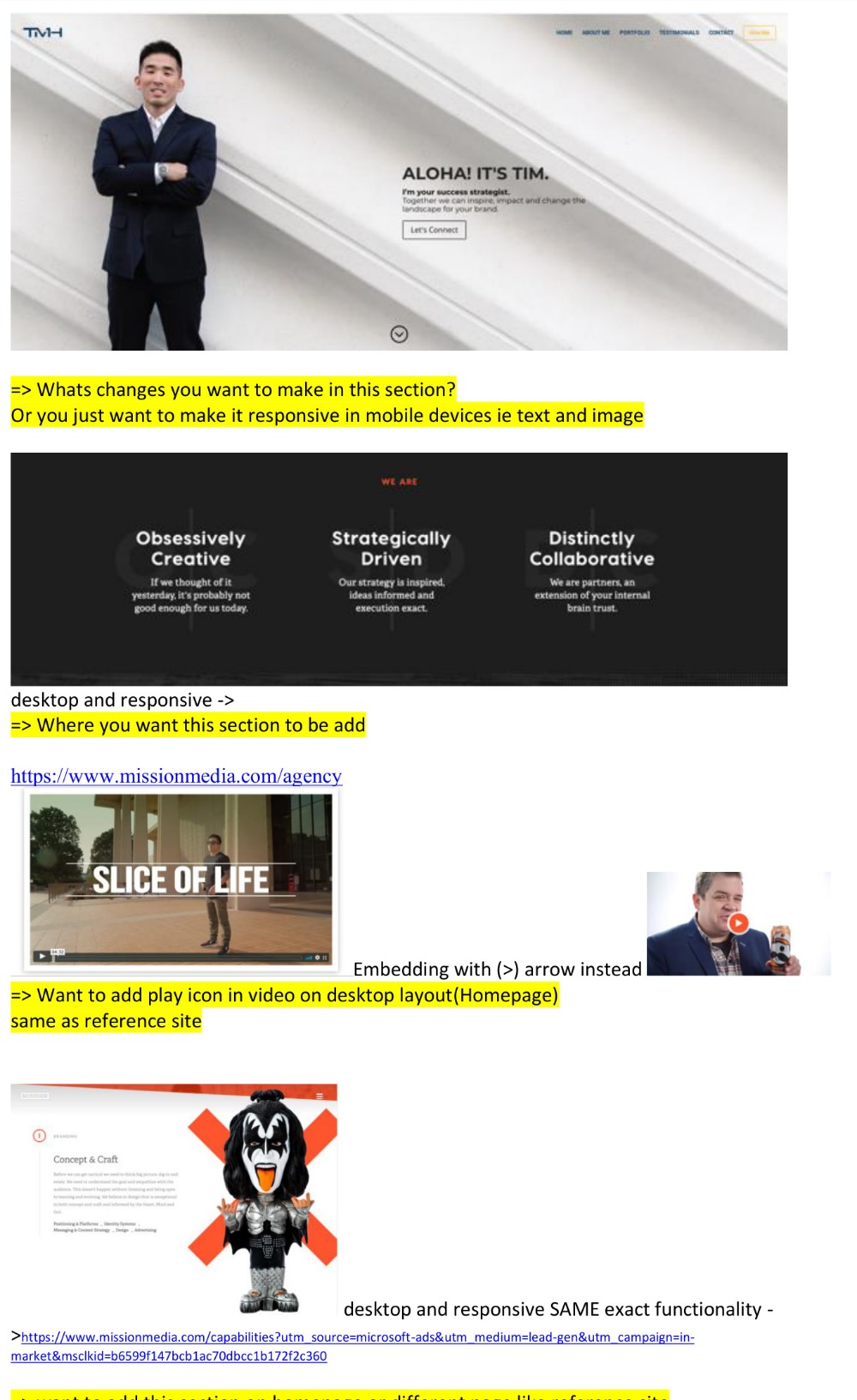
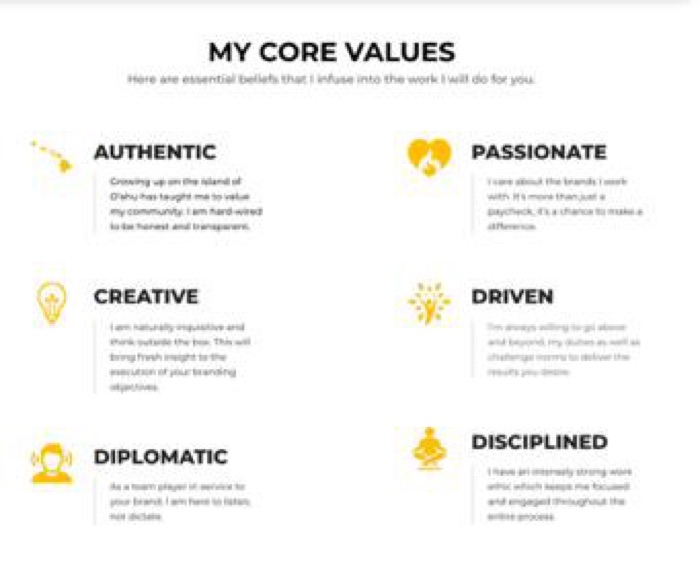
My own hero, values and story. It was never really mine to change: every small edit was a ticket. I marked up the screens, my developer replied with questions, then I waited and paid.
Step 4
This site, rebuilt with AI
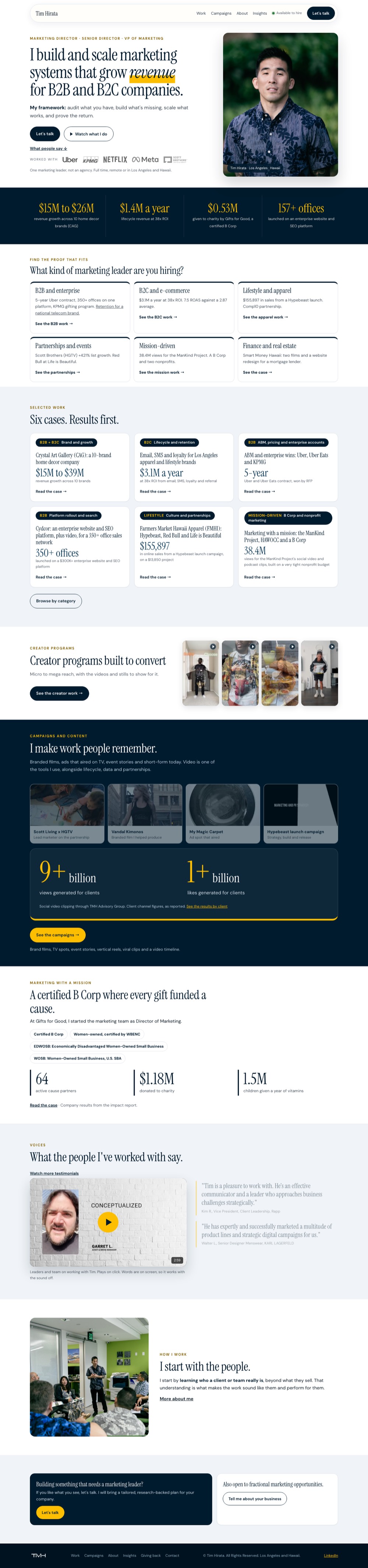
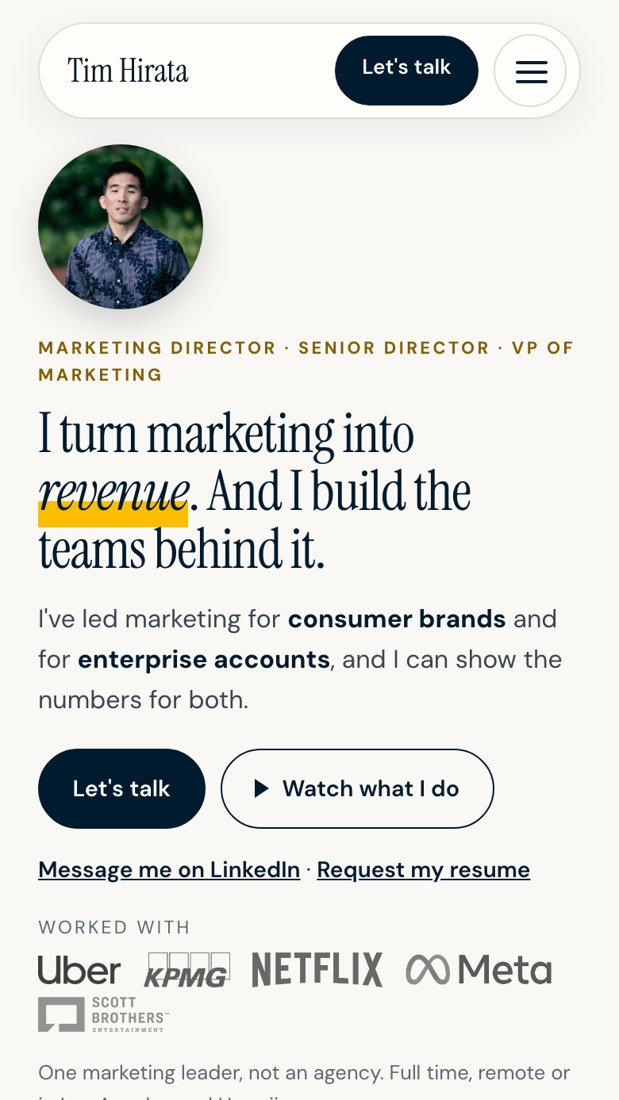
Same story, nothing to patch and $0 to host. A change that used to be a ticket is now a sentence. I check every page on a desktop and on a phone before anything goes live.
What matters most if you build your own
I turned this build into a playbook. These five things made the biggest difference. Open any one to see what I did.
Research first, with Firecrawl
I did not guess what a good portfolio looks like. I read what the best ones actually do.
- Firecrawl read other leaders' portfolios and my own old pages, including archived versions.
- Perplexity gave me cited research. Obsidian kept it organized.
- The pattern was simple: lead with results, keep the first screen clear, show proof fast.
Security is mostly about your accounts
A portfolio has no login and no database, so the real risk is someone taking over an account, not breaking a page.
- Two-factor sign-in on my host, my Google account (it controls the tracking), my domain and my backup host.
- HTTPS on, so visitors see the padlock. The certificate renews on its own.
- House rules on the site, plus a list of the outside tools it may use, tested in warn-only mode before it blocks anything.
- Hidden from search on purpose. Preview links treated as public.
Contact forms fail quietly
A form that looks right can still lose a message.
- I sent myself a real message from my phone on the live site.
- The form keeps my email and phone off the public web.
- Spam protection is on, and the backup copy has its own form, tested too.
Best practices with AI
The AI is fast. I stay in charge.
- Preview first. Nothing goes live until I say so.
- Back up before every change, and rebuild from one source file.
- Every number keeps its source. If I cannot back it up, it comes off the page.
- The AI tests every link and button. I test on my phone.
Skill sets, one job each
One pass for everything misses things, so each check has its own specialist.
- Wording and voice.
- Design and motion.
- Phone and touch behavior.
- Speed, search and accessibility.
- The AI checks. I decide.
Brand and quality control
Always on brand.
As a creative director, I treat this site like any client's brand. Every change is cross-checked against brand, UX and UI standards, so it stays consistent, current and trustworthy. I keep adding new work as it happens.
Colors, fonts, spacing and voice stay consistent on every page, old and new. This site is my brand, so I treat it like one.
Layouts, navigation and buttons follow proven conventions. Every page has one job and one clear next step.
Checked on phone, tablet and desktop, with touch-friendly buttons and nothing that scrolls sideways.
Readable contrast, alt text, keyboard-friendly controls, and small files so pages load quickly.
Every number keeps its source, and dates and stats are reviewed so nothing goes stale.
Two-factor sign-in on every account, house rules on the site, and a tested backup copy.
Then and now: what changed
My old site was not a template. I built it myself on WordPress, and it took thousands of dollars and many hours to get right. I am proud of it, and it taught me a lot. Here is what changed when I rebuilt it with best practices.
Hosting
A paid plan that renewed on its own, plus domain and privacy fees.
Free hosting and a free backup copy. I still pay about $20 a year for the domain.
Changes
Every edit was a ticket: write it up, answer questions, wait, then pay.
One sentence, checked on a free preview before it goes live.
Upkeep
Constant WordPress updates and security patches.
Nothing to patch. The pages are simple, pre-built files.
Security
It depended on plugins and updates staying current.
Two-factor sign-in on every account, HTTPS, house rules on the site, and a hidden-from-search setting I chose on purpose.
When it breaks
A support request, then a bill.
Paste the problem, get a fix, rebuild for free. Any earlier version comes back in under a minute.
The lesson is the same one I give clients: the tools change, and the people who learn them early move faster.
The stack
Research first, then build, then launch. Total hosting cost: $0.
Research



Build


Launch



The archive behind it
This site started with decades of saved screenshots, photos and files. The five-minute slideshow is that archive: a visual record of the work, the brands and the people across my career.